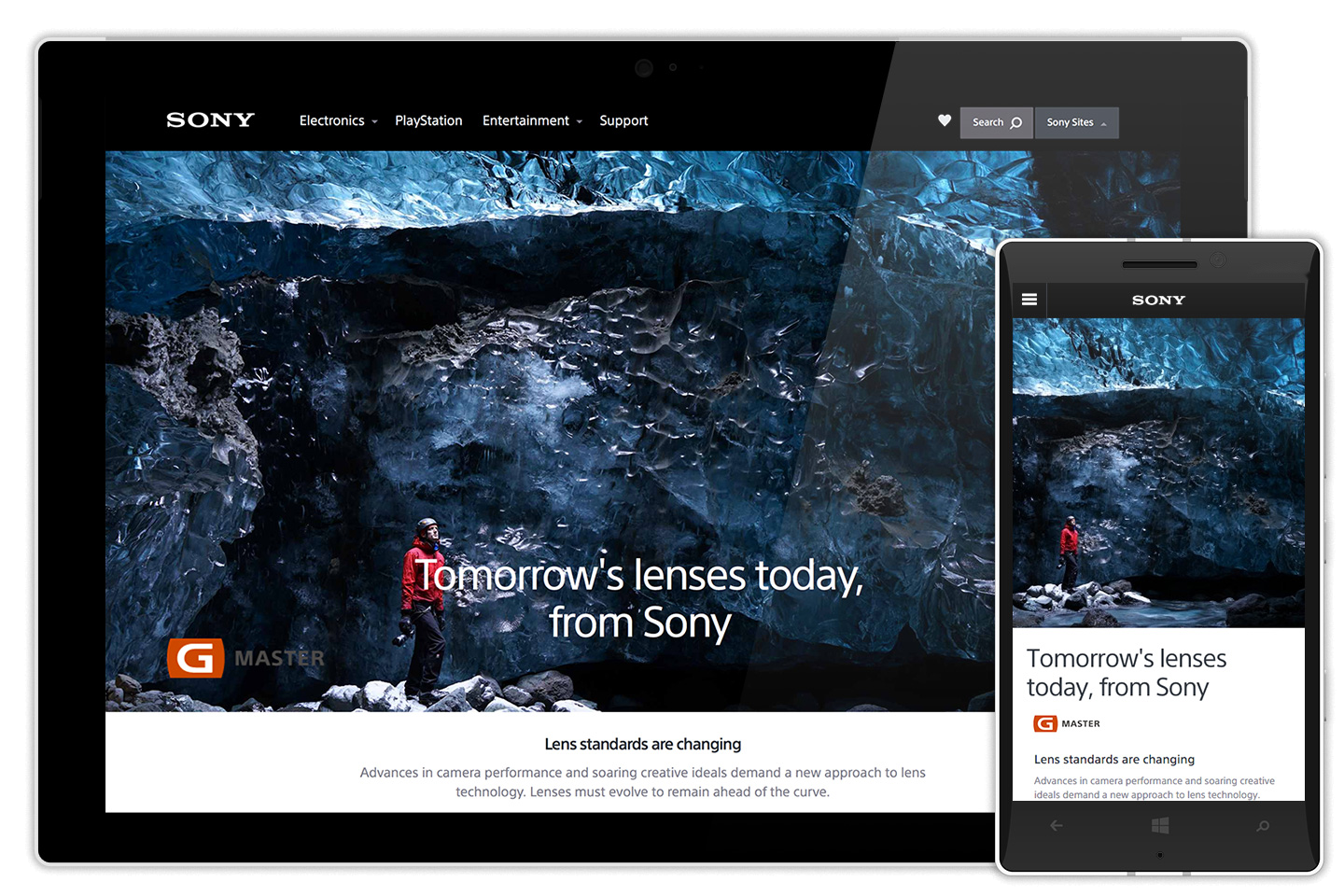
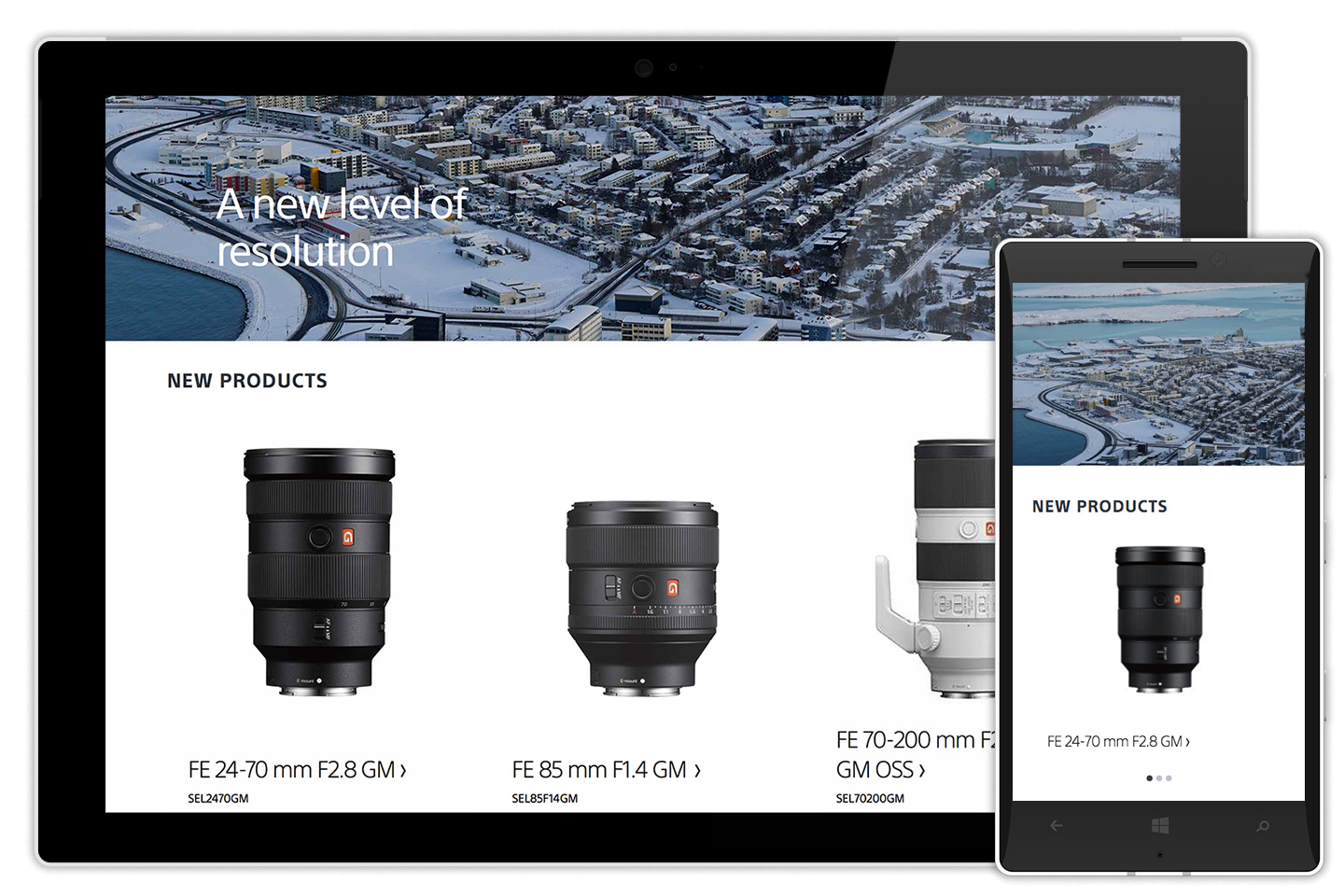
In 2013, Sony added its first full-frame cameras to a newer mounting system. Shoppers now faced two mounts, two sensor sizes and several naming systems. A wrong choice has a cost and my task was to build an interactive guide to solve this. The guide helps shoppers buy the right lens for their camera, based on compatibility. Shoppers with older lenses can find the right adapter.
Working with the technology and research teams, I learned how the product lines differed, and which differences mattered to shoppers. It helped us decide how to group the range and label each group in words shoppers use, so that choosing a camera, and then a compatible lens, would feel natural.
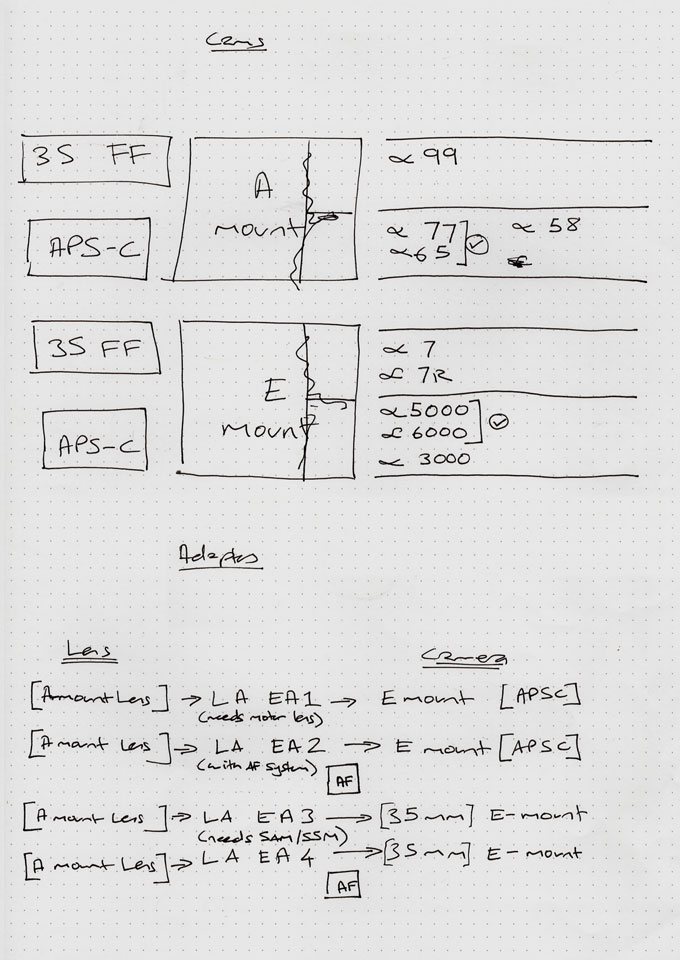
A: What Camera do you own?
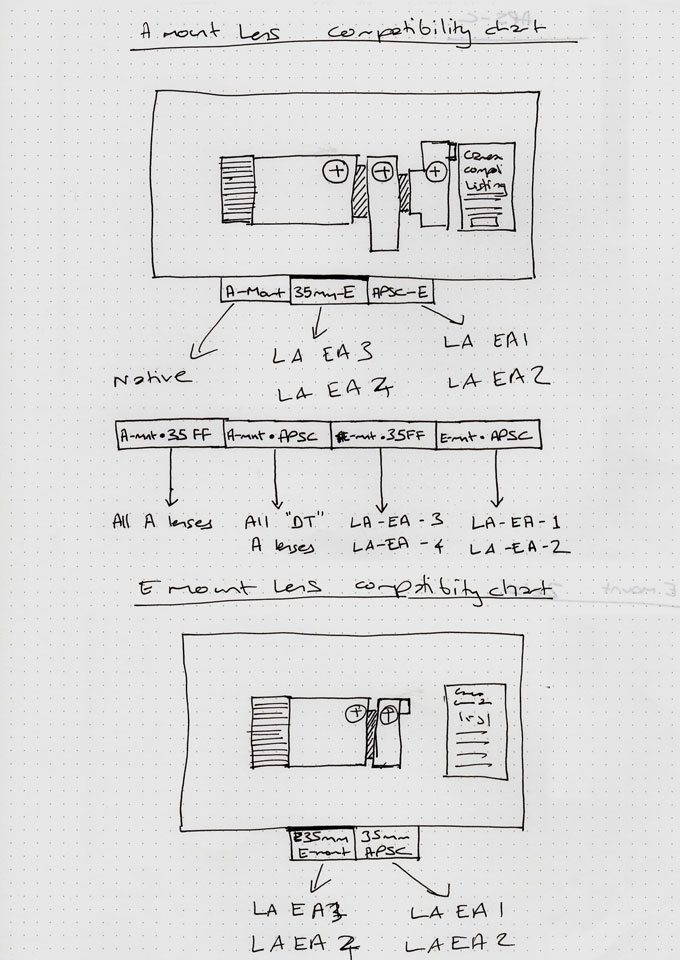
B: What lens are you shopping for?
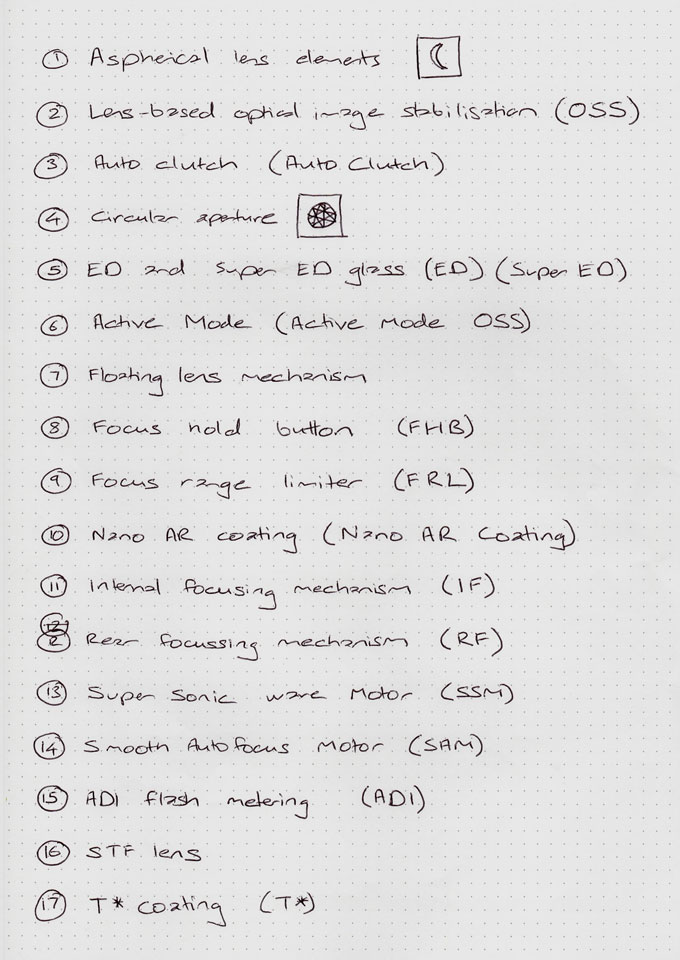
A+B = C: What features are compatible?
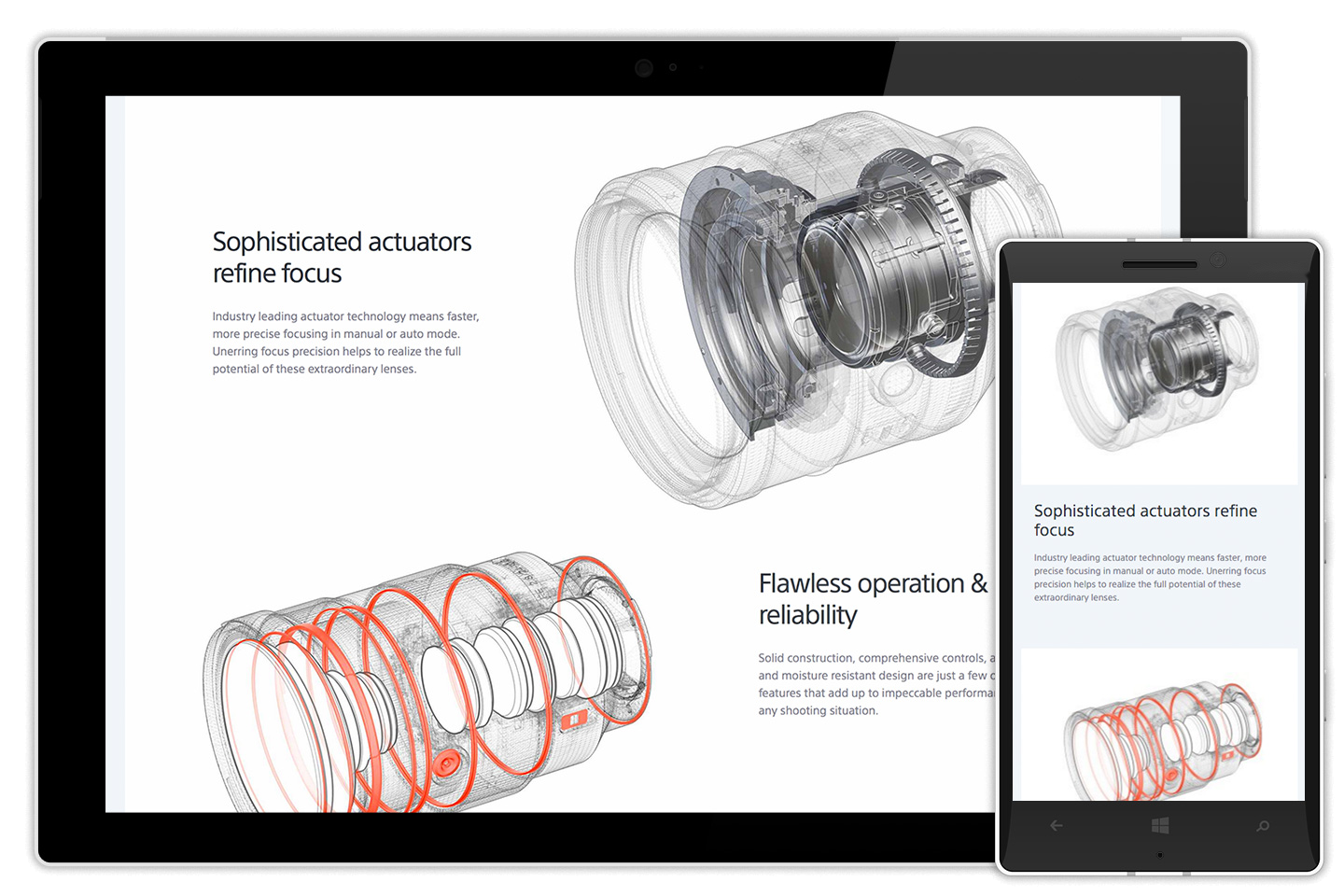
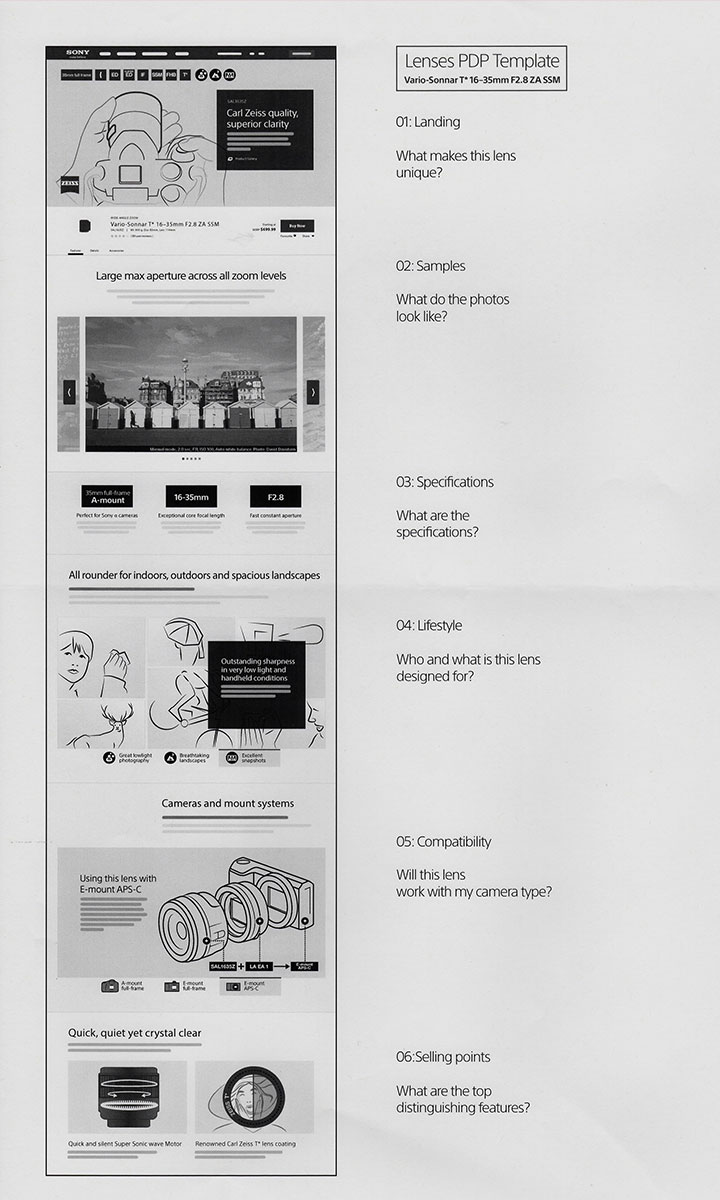
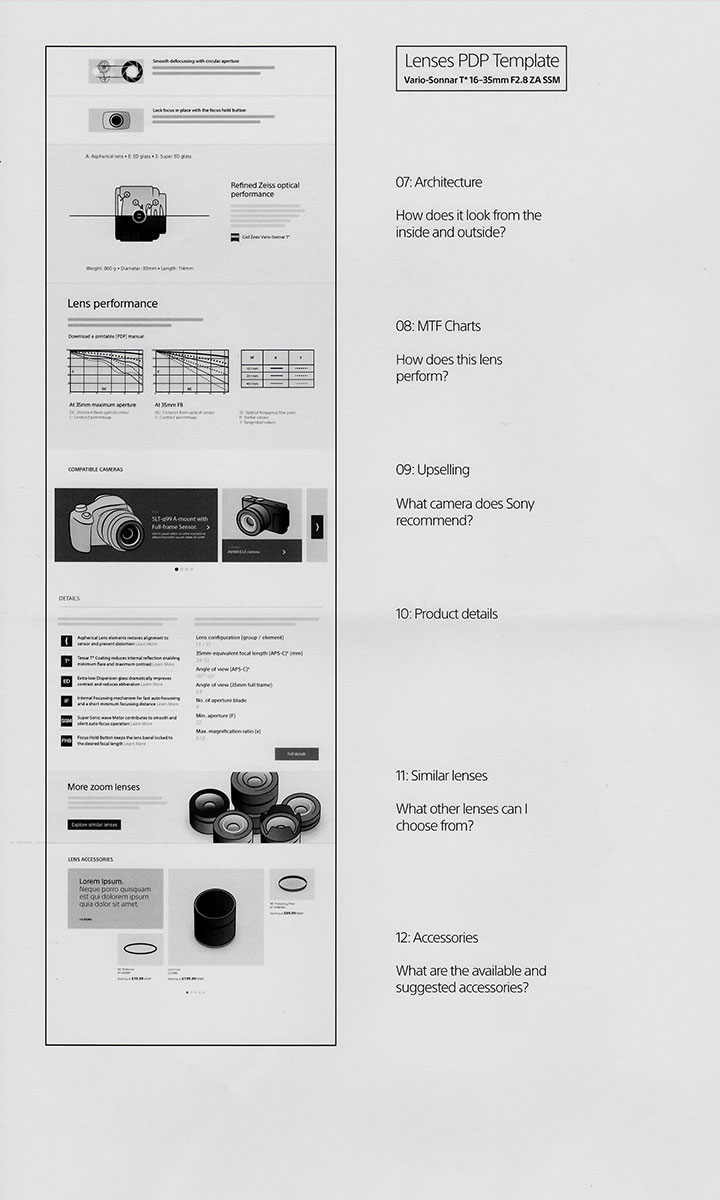
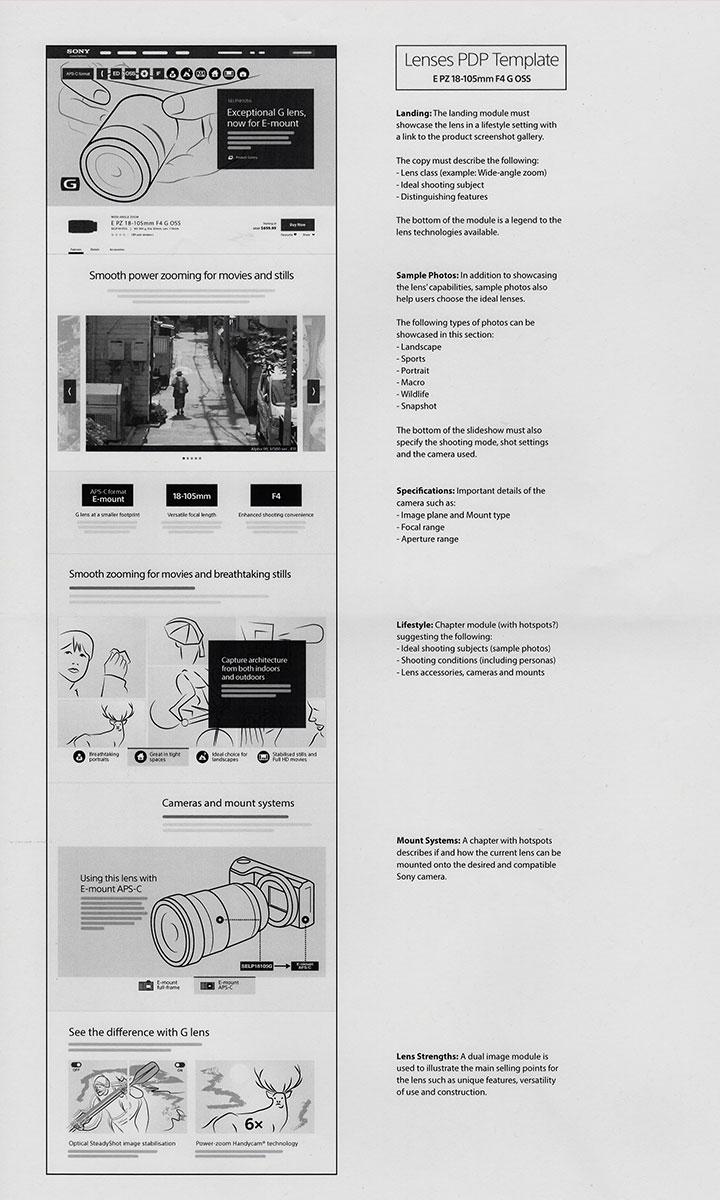
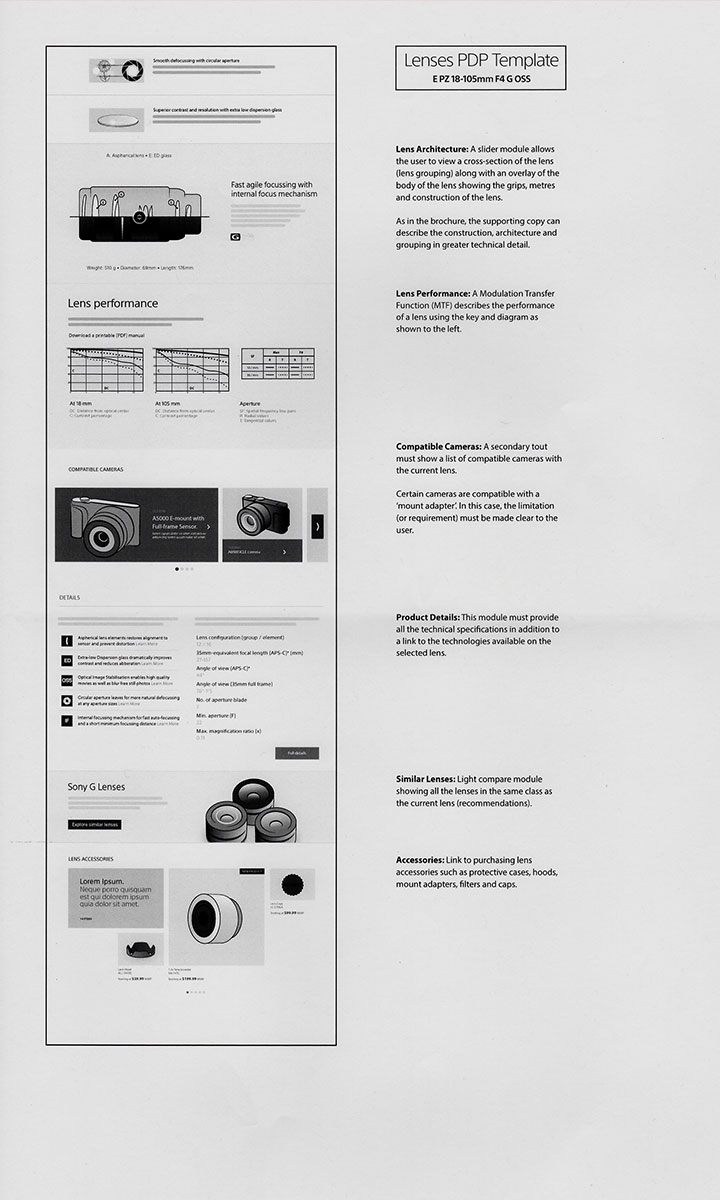
Those findings shaped an interactive guide built around three shopper needs: buying the right lens for a camera, finding an adapter for incompatible lenses, and seeing which features would be lost if a lens did not fully work. The solutions came together in a twelve-section lens page template, with compatibility as a major section, so the same structure scales across the whole range.
After research and card sorting, I defined an information architecture of twelve content sections, each answering one shopper question about a lens, in a single reusable page template. Because every lens page follows the same structure, the solution scales across the whole range.
Sony + Carl Zeiss
Sony + G Master
© 2026 Ash Queny Gatne. All rights reserved.
Some details, data, and visuals shown here have been altered or simplified to respect client confidentiality and non-disclosure agreements. All case studies reflect my individual contributions within larger team efforts, and views expressed are my own, not those of any current or former employer.